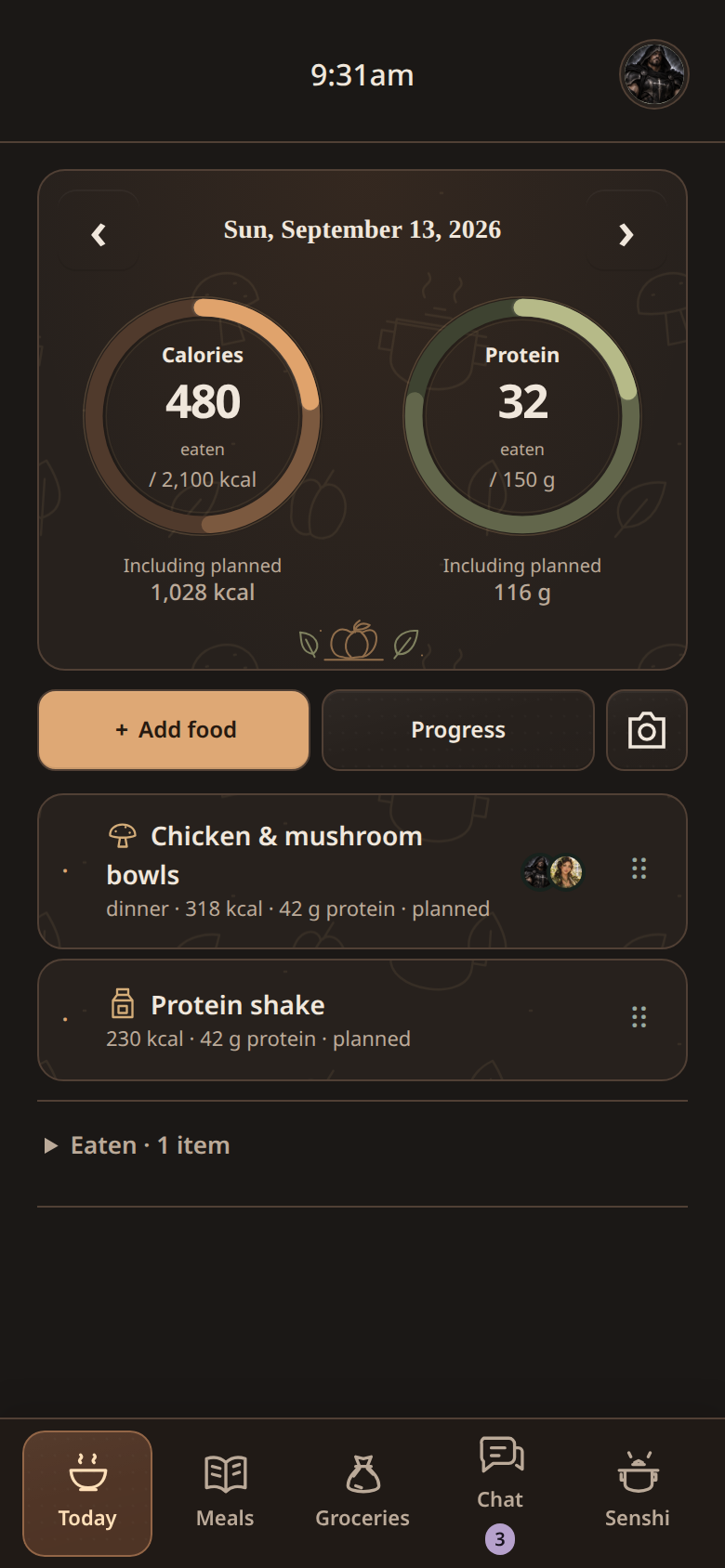
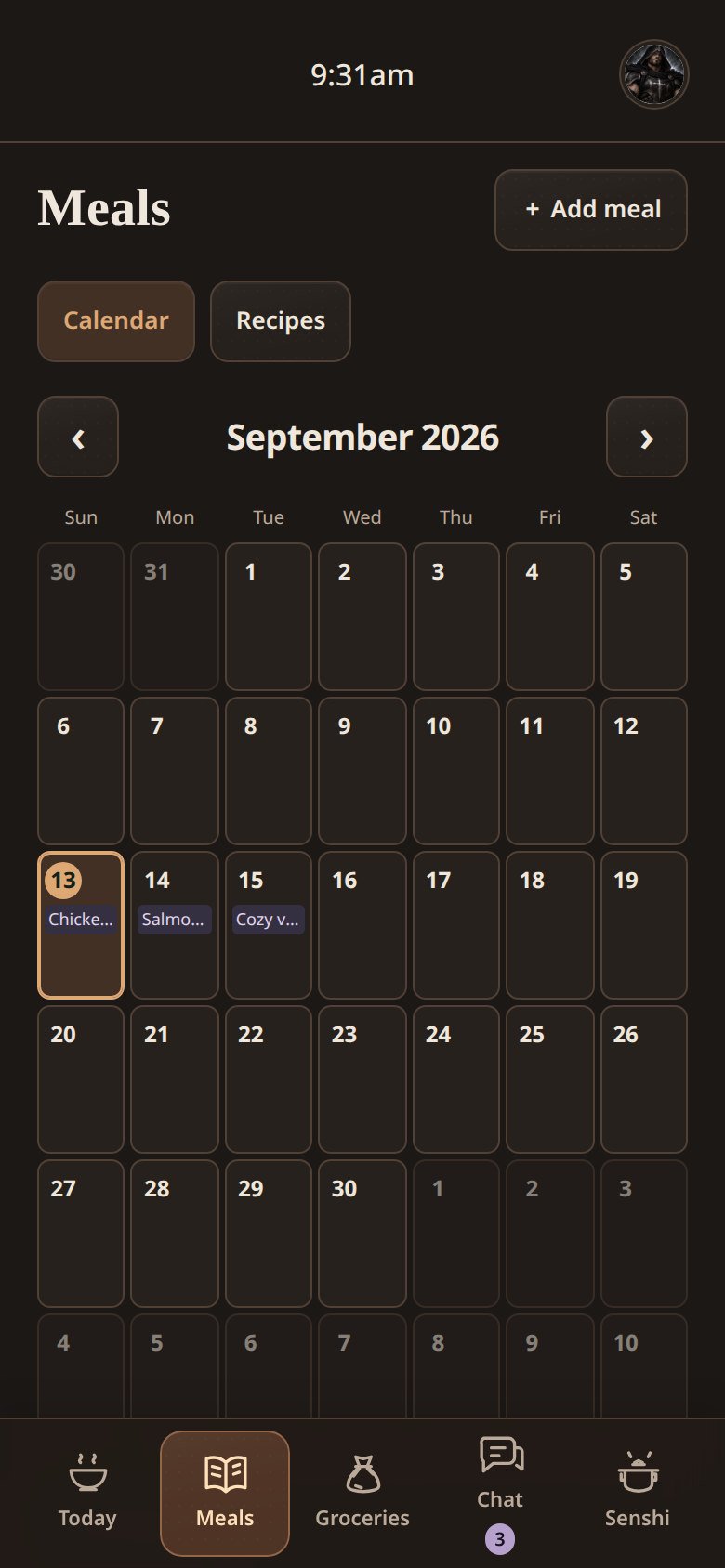
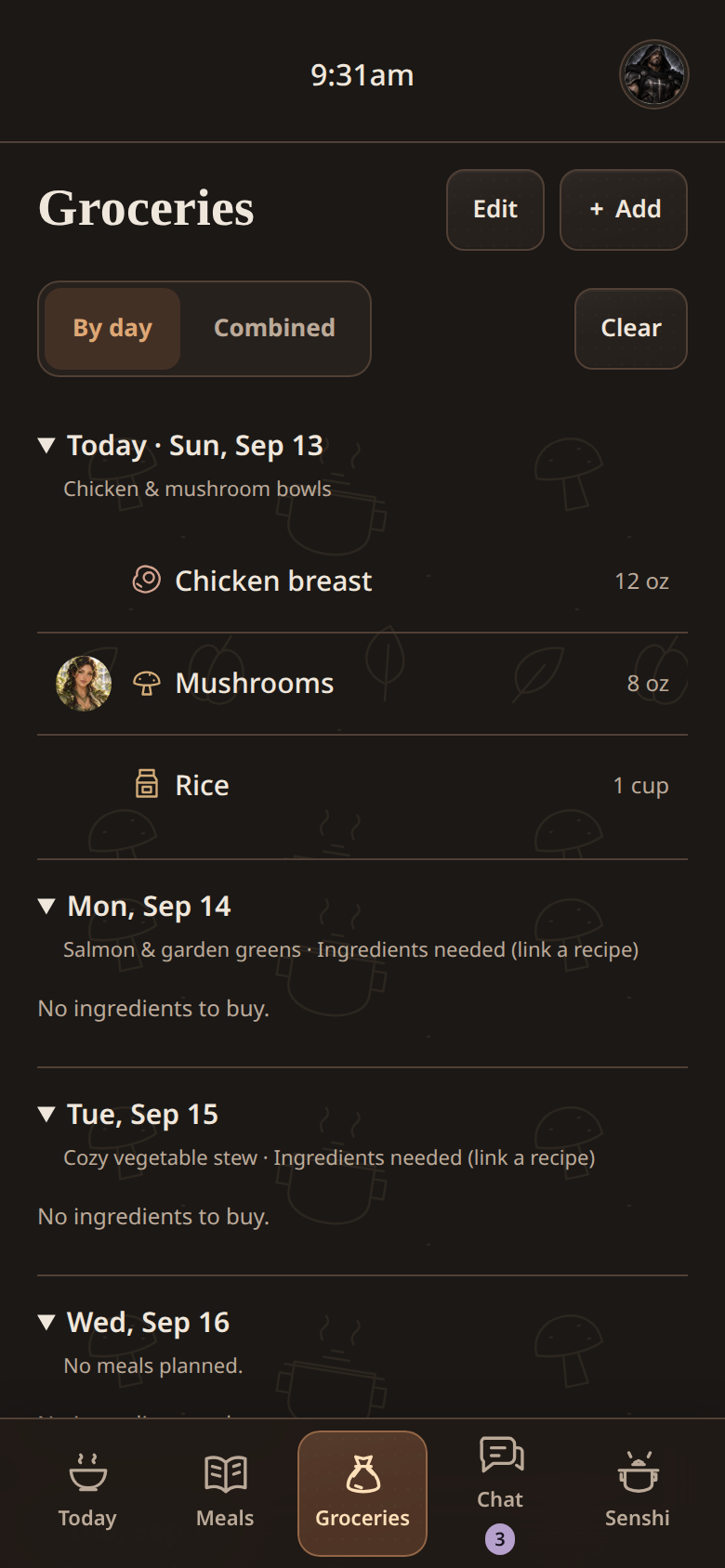
Nom is the personal health app featured in this project. It brings together food tracking, recipes, meal planning, groceries, and household chat. I used AI to help build it, and it is hosted on a home server.
That short description hides a lot of small decisions. A meal can be planned without being eaten. A shared recipe can have different portions for different people. A grocery list needs to reflect those choices without quietly counting everything twice. Those are the details that turn a collection of screens into a useful app.
Connecting the everyday pieces
The app has individual food diaries and shared household tools. Personal entries, targets, and weight records stay with the account they belong to. Recipes, meal plans, groceries, and chat provide the shared side.
Meal planning connects to the grocery list. A recipe contributes its ingredients, and planned servings determine the quantities. Logging the meal connects it to the food diary. The goal is to avoid entering the same information separately in three places.
The interesting work is in the connections between features.
Where AI fits
AI helped with building the application. There is also an assistant inside the app that helps with recipes, meal planning, and food-photo estimates. Those are two different uses: help creating the software, and help using it.
The walkthrough shows how those actions connect: a recipe becomes a meal plan, ingredients feed into groceries, and choosing to log a food estimate updates the daily totals. The curbside flow ends with a review of the final total and an explicit approval before ordering.
The less visible decisions
A few examples show the kind of work behind the interface:
- Planned and eaten food are different. Logging a planned meal replaces its pending estimate instead of adding a second copy.
- Missing information stays visible. Unknown nutrition is not silently treated as zero.
- Shared does not mean identical. People can use different portions while still contributing to one grocery list.
- Connection problems need a visible state. Supported offline entries stay pending until they can be saved, rather than pretending they already reached the server.
Hosted on a home server
The app is a private home server project. The screenshots and walkthrough above show how it works using staged demo data.
This is a personal project, and these notes describe the software rather than medical advice. The part I want to document here is the process of taking an idea, using AI to help implement it, and paying attention to the behavior that makes it useful.